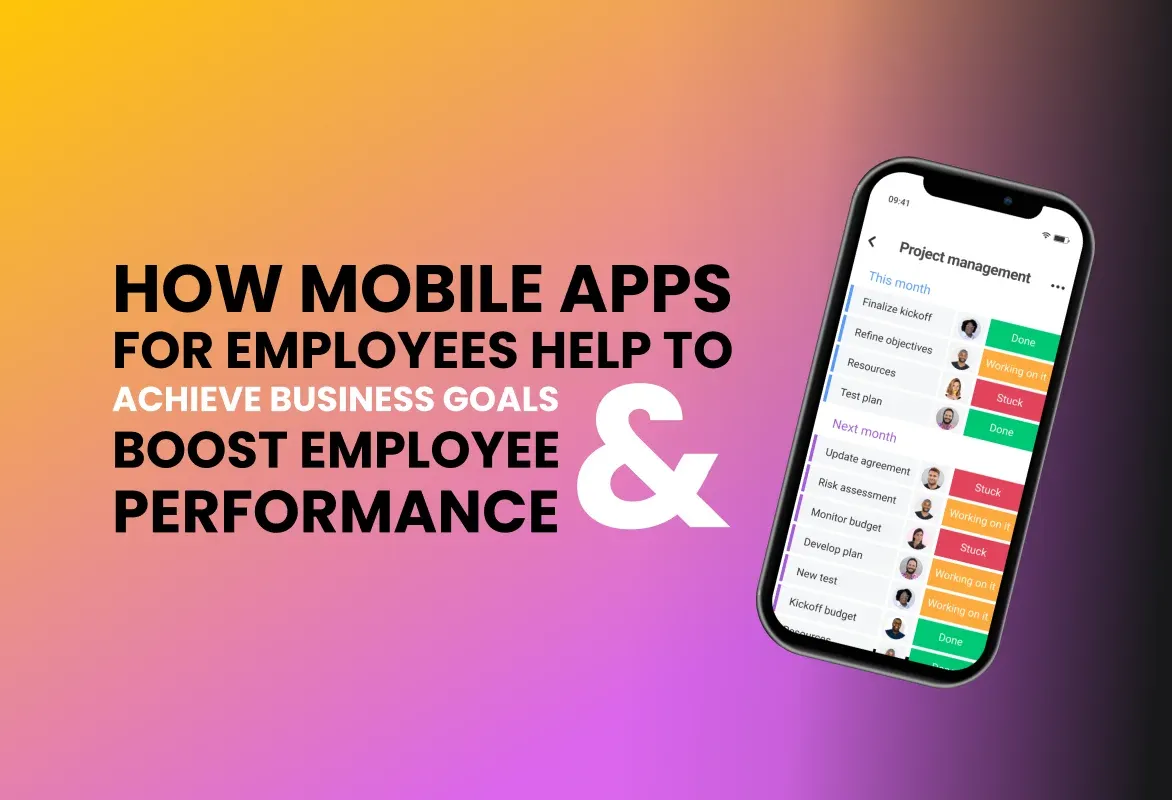
Field teams are the human face of many businesses — from sales representatives and service engineers to delivery staff and field marketers. Yet, without the right digital tools, their productivity often suffers due to disconnected workflows, paperwork, and slow communication. Mobile CRM apps close this gap by putting customer data, task management, and communication in the palm of your employee's hand.
1. Real-Time Access to Customer & Lead Information
Mobile CRM apps provide instant access to customer profiles, interaction history, and purchase data. This allows field staff to answer queries confidently and personalize conversations based on accurate context — reducing follow-up cycles and increasing conversion rates.
2. Instant Task Assignment & Updates
Managers can assign tasks, change priorities, and send updates instantly. Field staff receive notifications and can mark progress in real time, removing delays caused by phone calls or manual task lists.
3. GPS Tracking & Route Optimization
Location-based features — including automated check-ins, GPS tracking, and route optimization — cut travel time and make daily planning efficient. This translates directly into more customer visits per day and lower fuel costs.
4. Automated Reporting and Reduced Admin Work
Instead of spending evenings filling out forms, field employees can log visits, upload photos, and generate reports instantly. Automated reporting improves data accuracy and frees up valuable time for revenue-generating tasks.
5. Better Communication & Faster Decision-Making
Built-in messaging, alerts, and centralized communication history mean issues are escalated and resolved quickly. Office teams and field staff stay aligned, leading to faster decisions and improved customer satisfaction.
6. On-Spot Lead Capture & Follow-Up Automation
With mobile CRMs, leads captured on the spot are immediately entered into the CRM, tagged, and routed for follow-up. Automated email/SMS sequences or task reminders ensure no lead is left behind.
7. Attendance, Work Hours & Performance Tracking
Many mobile CRM solutions include attendance with geo-tagging, time logs, and productivity dashboards. Managers can fairly evaluate performance and identify coaching opportunities without relying on self-reported data.
8. Accountability & Transparency
The audit trail — visit logs, notes, photos, and activities — increases accountability and makes it easier to resolve discrepancies or coaching needs. This transparency builds trust between field staff and managers.
9. Empowerment and Improved Morale
Employees who have the right tools work faster, feel supported, and achieve better results. This reduces burnout and increases job satisfaction — two important factors in long-term retention.
Practical Tips for Implementing a Mobile CRM
- Choose a user-friendly app: Field staff will adopt a tool that’s quick to learn and easy to use on mobile devices.
- Train and onboard well: Run role-based training and provide short video clips or job-aids for common tasks.
- Enable offline mode: Ensure the app works without network access and syncs when online.
- Keep data fields relevant: Avoid forcing too many mandatory fields — keep forms quick to fill on the go.
- Measure KPIs: Track visits per day, lead-to-conversion ratio, average response time, and admin hours saved.
Conclusion
Mobile CRM apps are a strategic investment for businesses with field operations. By reducing administrative overhead, improving communication, and enabling data-driven decisions, these apps deliver measurable gains in productivity and customer satisfaction. If you're aiming to scale field operations, a mobile CRM should be at the top of your technology list.
Request a demo